
Open the preview
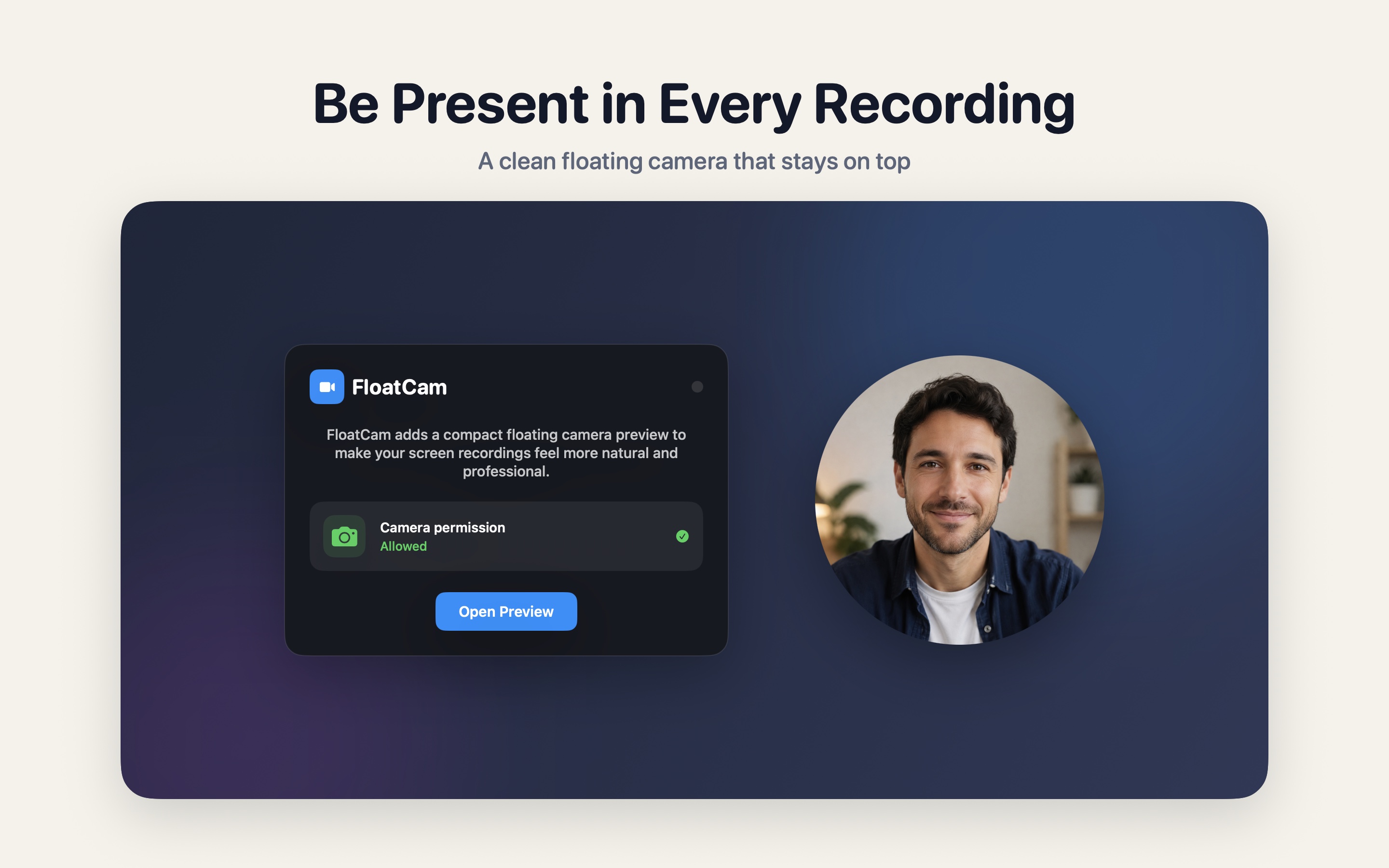
Launch FloatCam, grant camera access, and a clean front-camera preview appears on your desktop.
FloatCam is a lightweight camera preview overlay. Open it before using the built-in macOS screen recorder, QuickTime, or another capture tool, and your face can appear naturally in tutorials, product demos, lessons, and social videos.

FloatCam does one focused job: it puts your front-camera preview on screen before you record. It does not record, upload, or replace your existing screen capture workflow.
Launch FloatCam, grant camera access, and a clean front-camera preview appears on your desktop.
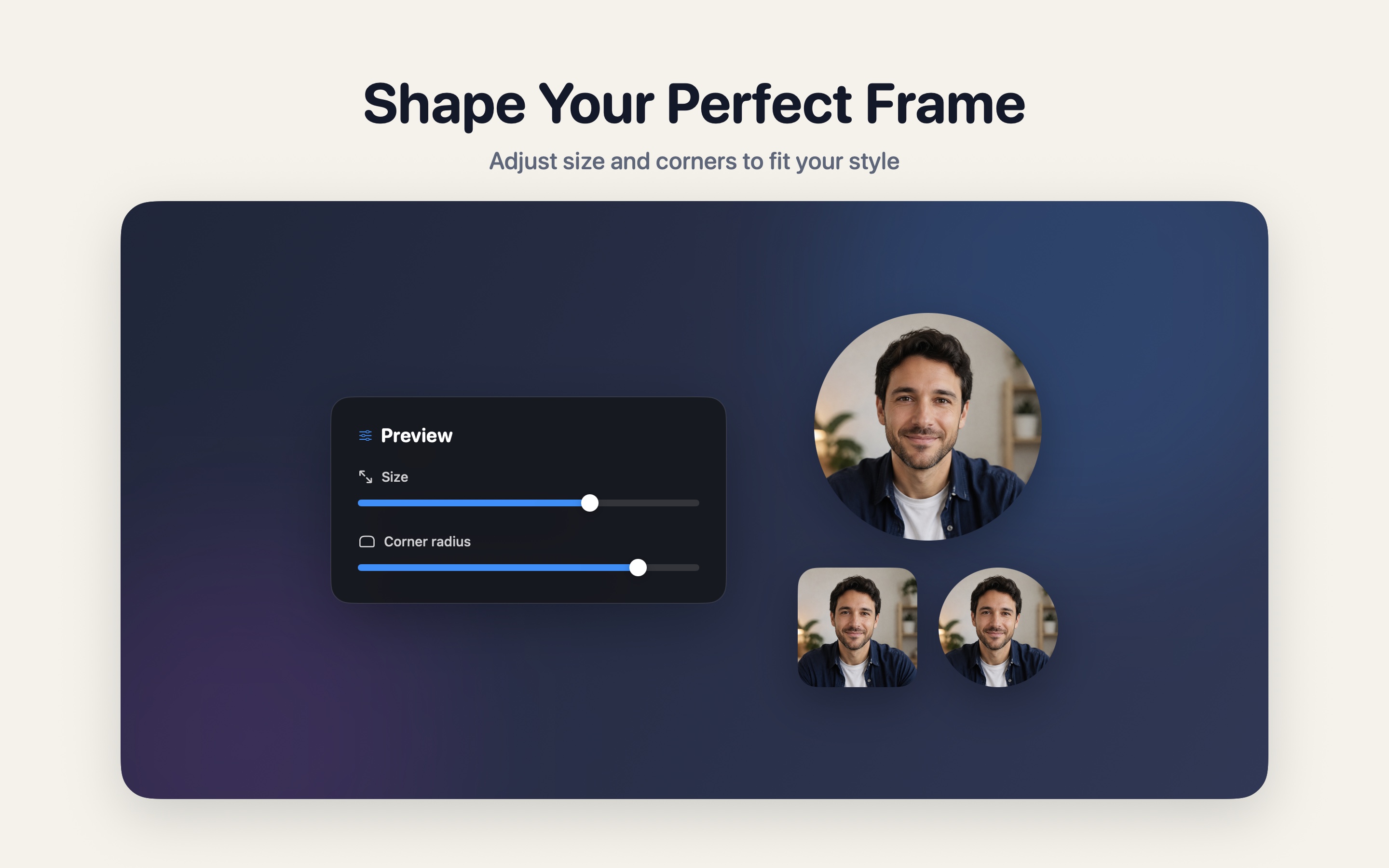
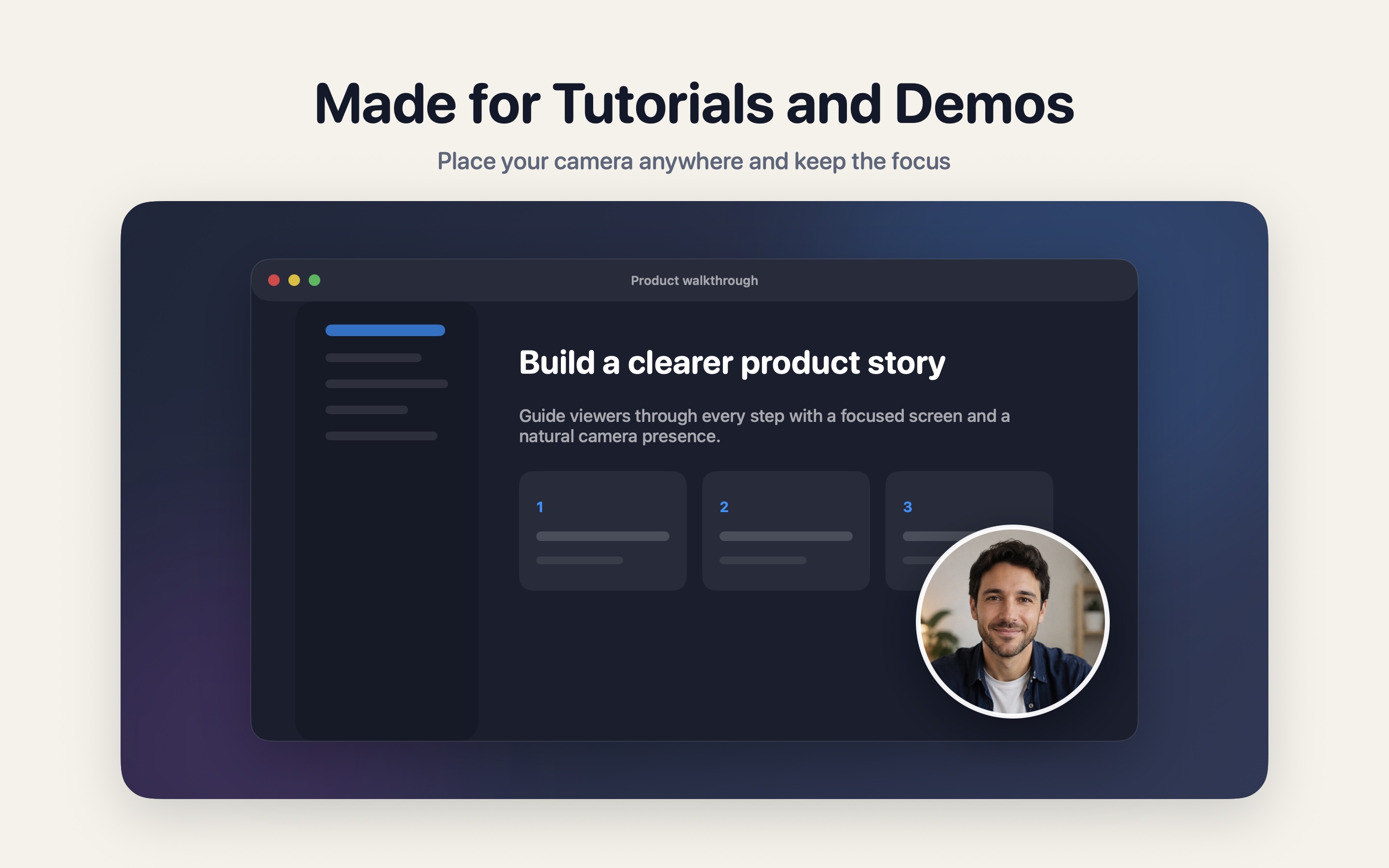
Drag the preview to a corner or beside your content, then adjust its size and corners from square to circular.
Use the macOS recorder or your preferred capture tool, and the preview will appear naturally in the final video.
The window stays clean, transparent, and draggable. Settings live separately, so buttons and title bars do not clutter the captured video.
Ideal for tutorials, product demos, course lessons, and social media videos.
No extra controls appear while recording, keeping the video clean.
Preview size and corner radius are saved locally for the next time you open the app.
FloatCam avoids the overhead of complex video software and focuses on one practical gap in macOS screen recording: a visible face camera preview.
Uses macOS camera permission to show a live front-camera view on your desktop.
Place the preview anywhere on screen, away from important content or captions.
Set preview size from 100 to 300 px, and adjust corners from square to circular.
Uses a familiar front-camera mirrored view so speaking on camera feels natural.
FloatCam does not create accounts, upload videos, or save camera recordings on developer servers. It only displays a camera preview on screen; the final recording is created by the macOS recording tool you choose.